
Remote work and study habits have made cafés and libraries popular spots for those seeking a change of scenery. Yet, these public spaces raise concerns about data protection and device security. Inadequate security can lead to breaches of confidential information, causing severe consequences. Therefore, understanding public Wi-Fi safety and secure internet browsing is crucial for today’s mobile worker or student.
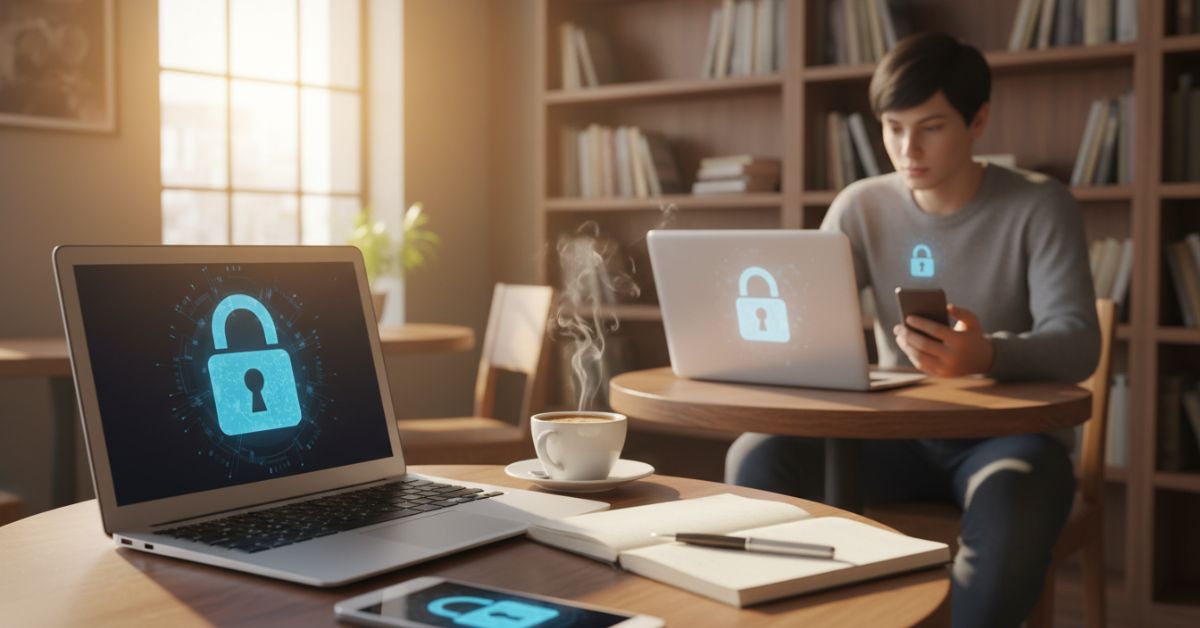
In our digital age, being vigilant about protecting our devices is essential. Whether you’re writing an essay over a latte or finishing a business proposal in a library, keeping your gadgets secure is paramount. This section will reveal the risks your tech faces in public and provide a plan for a safer digital experience.
Key Takeaways
- Grasp the importance of robust data protection methods for mobile devices.
- Ideal practices for device security that defend against unauthorized access.
- Navigate public Wi-Fi networks with enhanced safety protocols.
- Adopt secure internet browsing habits to shield sensitive information.
- Implement proactive tools to combat security threats in varied environments.
Understanding the Risks: Why Your Devices Are Vulnerable
Using public spaces like cafés and libraries for work or study puts your devices at risk. These risks include threats from cyber criminals and everyday situations that could lead to identity theft. It’s vital to understand these risks for those who often use public connections.
Common Threats in Public Wi-Fi Networks
Public Wi-Fi offers convenience but comes with significant security risks. Cyber threats on public Wi-Fi are widespread due to the lack of strong security measures. This makes these networks a target for attackers seeking to intercept data. The risk of data breaches through unsecured Wi-Fi networks is also high, with users potentially sharing a network with cybercriminals.
The Risks of Shoulder Surfing and Physical Theft
Physical threats like shoulder surfing and device theft are often overlooked in discussions of online security. In crowded areas, it’s easy for someone to see sensitive information over your shoulder, leading to identity theft. The theft of devices not only results in the loss of expensive equipment but also puts personal data at risk.
Malware and Viruses: How They Infect
Connecting to less secure networks also increases the risk of malware and viruses. Once these malicious software pieces infect your device, they can cause significant damage. They can corrupt files or steal passwords, making it crucial to understand how they work to protect your online privacy.
Essential Protective Measures for Your Laptop and Phone
To keep your personal devices safe in public, it’s vital to use strong cybersecurity strategies. These steps protect your devices and keep your personal info safe from cyber threats. Let’s look at some effective ways to boost your device’s safety.
Utilize Strong, Unique Passwords and Two-Factor Authentication
Effective password management is a key defense in cybersecurity. Make sure each device has a strong, unique password. Adding two-factor authentication provides an extra layer of security. It requires something you know (a password) and something you have (a mobile device or token), making it harder for hackers to get in.
Keep Your Operating System and Apps Up to Date
Regular software updates are crucial for device security. These updates often fix vulnerabilities that hackers could exploit. By keeping your OS and apps updated, you get the latest security and performance boosts, lowering cyberattack risks.
Turning on ‘Find My Device’ features is a smart move for loss prevention. It lets you track, lock, or erase your device remotely. If your device is stolen or lost, these features can help protect your data and possibly recover your device.

By taking these steps, you can greatly improve your device’s security in public. Remember, the best way to protect your digital world is to be proactive with strong security practices.
Top Free VPNs for Android: Enhancing Your Security on the Go
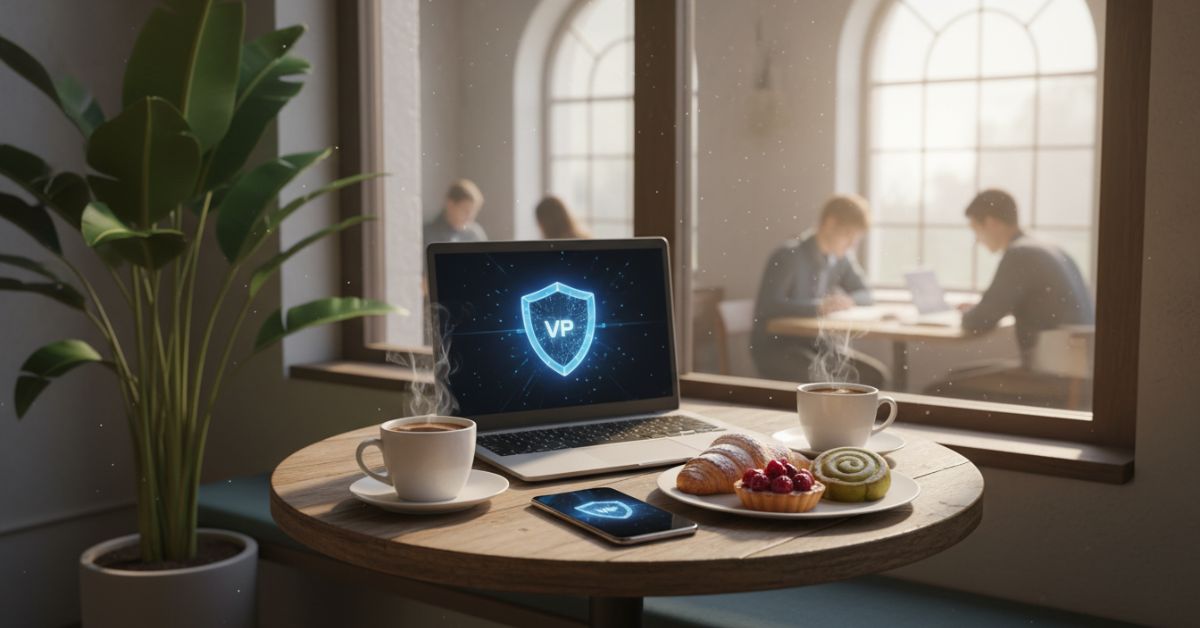
With the rise of mobile devices, protecting your digital life on public Wi-Fi is crucial. Virtual private networks (VPNs) create encrypted connections, safeguarding your data from interception. This part explores VPNs for Android users, focusing on the best free options and expert tips for choosing the right one.
Why You Need a VPN for Public Wi-Fi
Public Wi-Fi networks are vulnerable to security threats like eavesdropping and data theft. A VPN on your Android device establishes a secure, encrypted internet connection. This significantly lowers the risk of breaches, keeping your personal info, from passwords to browsing history, safe and private.
Best Free VPNs According to VPNmentor
VPNmentor, a leading VPN advisor, identifies several free VPNs that are reliable and perform well. These services offer strong security without any cost, making them perfect for students and professionals who often use public networks. VPNmentor evaluates these based on security features, user accessibility, and the quality of their encrypted connections.
How to Choose the Right VPN: Tips from FreeVPNmentor.com
FreeVPNmentor.com provides a detailed guide on picking a VPN that meets your needs. The site emphasizes the importance of choosing VPNs that prioritize user privacy and have a strict no-logs policy. It also suggests checking server locations, connection speed, and service stability. These factors are key to a seamless online experience with VPNs.
Conclusion
Given the dangers of public networks, it’s crucial to enhance online security through proactive measures for your devices. Whether you’re a student in a café or a professional in a library, your laptop and phone hold valuable personal information. It’s vital to protect them zealously. Adopting smarter digital habits means more than just following tips; it’s about cultivating a security mindset.
Using strong passwords, keeping your systems updated, and enabling device-location features are key steps. Adding trusted free VPNs from reputable sources also secures your data on public Wi-Fi. These actions protect your online space, just as you would safeguard your physical belongings.
Your actions define online security. With the digital world full of risks, being well-informed and equipped makes you less susceptible. Your devices are integral to your personal and professional life. It’s essential to use them with the care they deserve, ensuring your privacy and digital experiences remain positive. Let’s integrate smarter digital habits into our daily lives and enhance our protection strategies.