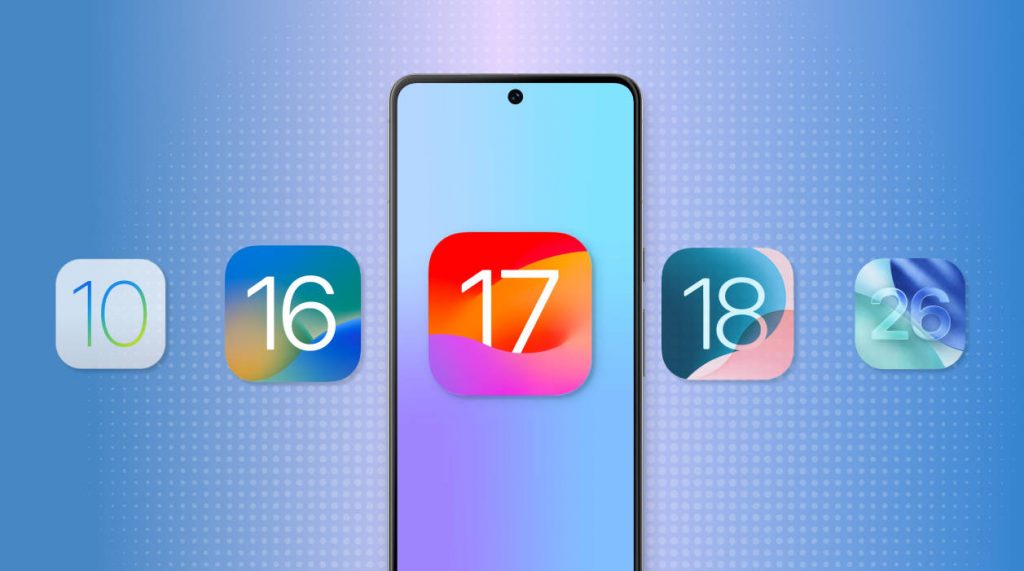
Apple products also have specific challenges when developing and testing apps, especially those that lack acceptance across every single model of iPhone or iPad. Apple emulators allow developers and testers to run the apps of the iOS on other systems without actual physical devices providing a handy alternative. These virtual tools have proved to be indispensable in the mobile development field as they ensure quality on the various iOS versions and save time and money. The more teams know the capabilities and how an iOS emulator operates, the more they can select their testing tactics. Let’s look at how these technologies are useful in the modern processes of development.
What Are iOS Emulators
iOS emulators are software applications that have been designed to replicate the hostility and functionality of Apple devices on other systems. They mimic the behavior of applications in actual iPhones and iPads by creating an imaginary iOS operating system on your computer. Unlike simulators, emulators aim to recreate the whole hardware and software experience and not just the behavior of particular components. This also does not mean that developers have to purchase a lot of physical devices to test the apps, verify compatibility and identify the problems. Even though certain hardware-specific operations might be limited, the emulator offers a real-life setting in which applications behave in a similar manner to the actual devices.
Essential Features and Capabilities
1. Interface and User Experience Testing
iOS emulators faithfully replicate Apple device touchscreen interactions, gestures, and navigation patterns. Within the virtual environment, developers can test how apps react to taps, pinches, swipes, and multi-finger motions. Verification of landscape and portrait mode functionality is made possible by the smooth rotation of screen orientations. The visual interface ensures that apps uphold Apple’s aesthetic standards by matching iOS styling, including fonts, colors, and design features. Before releasing apps to real customers on the App Store, this thorough interface testing helps find usability difficulties, layout issues, and interaction defects.
2. Performance and Compatibility Evaluation
Emulators make it possible to test various iOS versions at once, ensuring that apps function properly on both older and newer systems. Without keeping libraries of out-of-date hardware devices, developers can confirm backward compatibility. Emulator diagnostics allow for the observation of memory utilization, processor speed, and battery consumption patterns. Applications can be tested in a variety of connectivity scenarios, from high-speed connections to circumstances with restricted capacity, by simulating network conditions. By optimizing apps for seamless operation across a range of user situations and device capabilities, this performance analysis raises user satisfaction levels.
3. Development and Debugging Support
Contemporary emulators offer real-time debugging capabilities and seamless integration with programming environments. While programs are running on the emulator, developers can set breakpoints, examine variables, and monitor code execution. The troubleshooting procedure is greatly accelerated by the instantaneous appearance of console logs, error messages, and crash reports. Development cycles are significantly shortened by this instant input, enabling quick iteration and improvement. During development phases, the ability to rapidly test code changes without deploying to real devices saves countless hours, increasing the productivity and efficiency of the workflow for development teams.
Popular Tools Available
For iOS emulation needs, there are numerous dependable choices. The most accurate environment for Mac users is offered by Xcode, which comes with Apple’s official iOS Simulator. TestSigma provides cloud-based testing solutions with extensive testing tools in addition to iOS emulation capabilities. From gaming to app development, a variety of third-party solutions address certain needs, each providing special capabilities appropriate for various use cases and technological specifications.
Conclusion
iOS emulators and their affordable testing features have become an important development tool in mobile development. The iOS emulator for PC is essential in ensuring that applications work well across the iOS ecosystem due to their ability to replicate the Apple environments in an exact way.