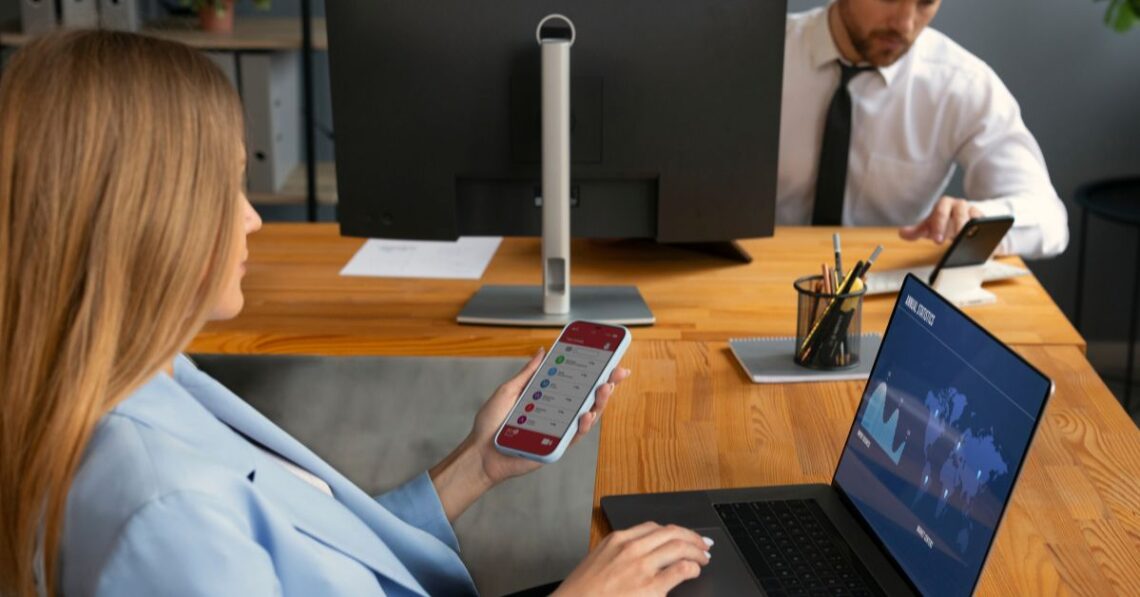
A GSA mobile office provides temporary workstations with secure communications, and it helps keep teams productive while on assignment. Strategic layout planning creates an organized atmosphere, supporting seamless workflows, collaboration, and operations across any location. Here are a few tips for maximizing productivity in GSA mobile offices for remote work:
Optimize Layouts for Workflow
Optimize equipment placement in a mobile office to prevent work interruptions. Keeping devices within reach of staff allows them to complete assignments without stopping to search for what they need. Power sources and computer cables should be easily accessible, and situating printers in a central location makes them available to all staff.
The use of mobile offices in a job site keeps administrative functions within an enclosed workspace. During the design stage, determine whether you require several smaller rooms or a few larger areas. Adding partitions and other space dividers creates discrete rooms for delegated tasks; these can be adjusted as workflow changes. Exterior add-ons like covered walkways ease access between work areas.
Leverage Flexibility and Ergonomic Design
You can change your GSA mobile office as your organization’s size or needs change. Modular flexibility allows you to change the building’s direction or placement, allowing it to adapt to potential changing environmental conditions. Reconfiguring spaces and adding to buildings support consistent operations, and it enables agencies to scale up or down as employment needs change.
Mix collaborative work zones and individual desks in your mobile office layout; this allows for individual-focused tasks or large-scale collaboration. Ergonomic design focuses on work posture and task alignment with furniture and equipment. You can adapt seating, lighting, and equipment placement for the workers’ well-being. Planners are able to choose modular installations with integrated ergonomic options to support workspace conditions. Features like dense acoustic panels may contribute to comfort.
Provide Internet Connectivity
Some mobile office setups feature secure internet and communication systems; these enable teams to collaborate from any location. Begin by installing your primary network, and equip your wireless system with a backup. With strong IT support, your connections can remain stable, eliminating the hassle of setting up connections at each site. Activating cloud-based applications gives staff remote access, enabling them to use project management and communication platforms regardless of location.
Organize Storage and Climate Control
Organize storage within mobile offices to keep documents, supplies, and equipment accessible yet out of the way. Tidy spaces help reduce workflow interruptions, so categorize and label everything, then return each item to its designated spot after use. Deep filing cabinets and shelving keep records organized, helping boost productivity. Visibility of frequently used items may reduce the time spent searching for supplies. Utilize mobile storage carts to easily move items between work stations.
Maintaining stable temperature and lighting supports consistent mobile office operations. Automatic climate control helps maintain interior conditions; this is beneficial during changes in weather. Planners can implement climate controls and balanced lighting, which help establish consistent working conditions.
Plan for Deployment and Maintenance
Plan the logistics so that mobile offices are placed in the correct location. Modular buildings are built off-site; this supports quick setup. Determine the proximity of entries to staff commuting routes and necessary resources. Weather-protected access routes support operations in varied conditions. Organizing nearby or on-site power sources helps support fast setup and consistent operations.
Assess the specific custom mobile office adaptations that enhance efficiency and safety for ongoing operations. Comparing the needs of federal functions, military bases, and first responder tasks allows you to design efficient layouts. You may include spaces for secure storage to protect mission-related equipment, and integrate controlled entryways to safeguard sensitive data.
Routine mobile office maintenance keeps systems functioning, so check the functionality of systems, such as HVAC, IT infrastructure, and plumbing. Schedule mobile office maintenance at set intervals, and replace outdated technology, which helps keep sites aligned with operational requirements. Scheduling mobile office maintenance may reduce the likelihood of unplanned downtime and faulty equipment.
Choose a GSA Mobile Office
GSA mobile office and modular building solutions provide adaptable workspaces that support remote operations and changing project needs. Portable offices give field teams the structure required to stay productive in diverse locations, and they allow emergency response teams to maintain operations within designated areas. Assess mobile office installations to see how they support program objectives, project timelines, and operational needs.